๐Ÿ“ฑ iOS ยท iPadOS ๐Ÿ’ป macOS Desktop โŒš Apple Watch โ˜๏ธ iCloud E2E Sync

Make Every Account Unbreakable

A digital security fortress tailored for the entire Apple ecosystem. Instant glance & copy from the Mac menu bar, seamless on iPhone & Apple Watch, backed by iCloud and WebDAV multi-tier disaster recovery.

Broad Compatibility Across 2,590+ Services ยท Auto Vector Logo Matching

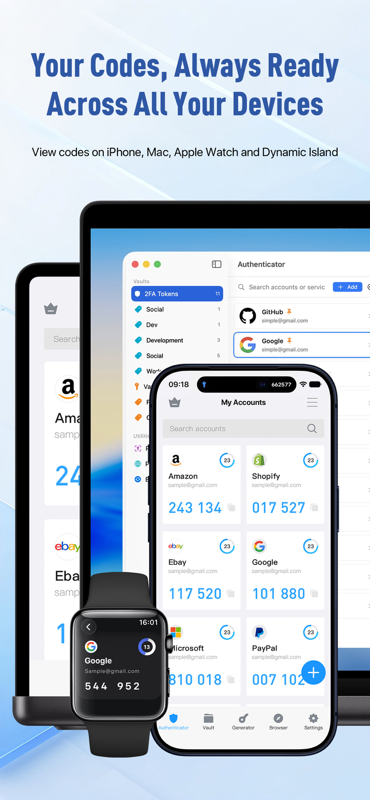
Seamless Multi-Device Experience

Tailored native experiences designed specifically for macOS Desktop, iOS Mobile, and watchOS Wearables.

Native for macOS
๐Ÿ’ป

Mac Desktop Productivity

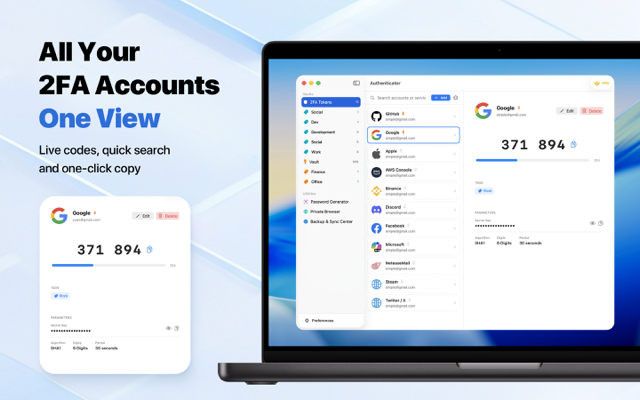
Subtle menu bar presence that makes 2FA code retrieval second nature for developers and pros.

  • Menu Bar Glance: Hover to preview codes, click to copy instantly
  • Privacy Code Masking: Masked by default to prevent shoulder surfing in meetings
  • Global Hotkey Access: Bring up a lightweight code floating window anywhere
  • System App Intents: Full integration with Shortcuts and Touch ID security
๐Ÿ“ฑ

iOS & iPadOS Fluidity

Deeply integrated with iOS modern design, Dynamic Island, Lock Screen widgets, and Siri voice automation.

  • Home & Lock Screen Widgets: Glance at 2FA codes without opening the app
  • Siri & Shortcuts: Ask Siri or run automated workflows for instant OTP
  • Face ID / Touch ID: Military-grade biometrics protecting against unauthorized access
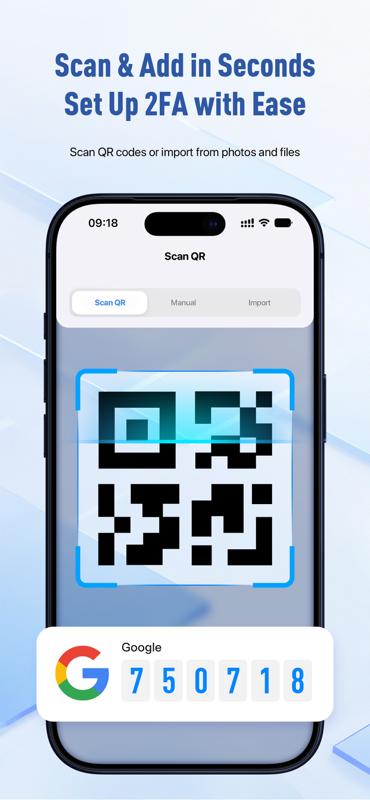
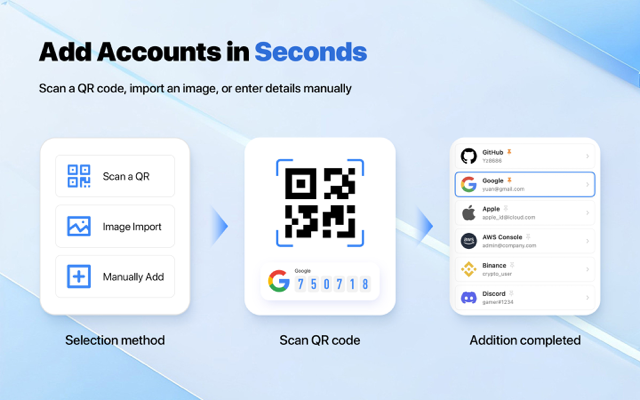
  • Lightning QR Scanner: Millisecond camera recognition for OTP secret import
โŒš

Standalone Apple Watch

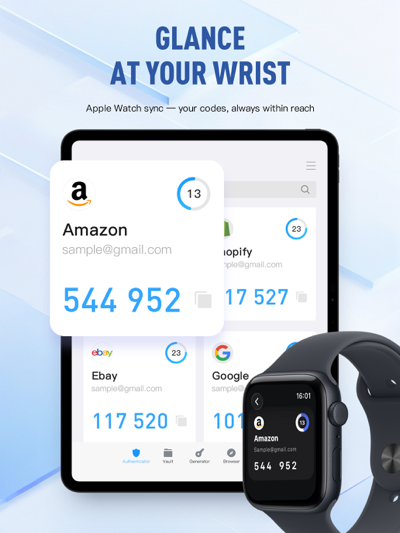
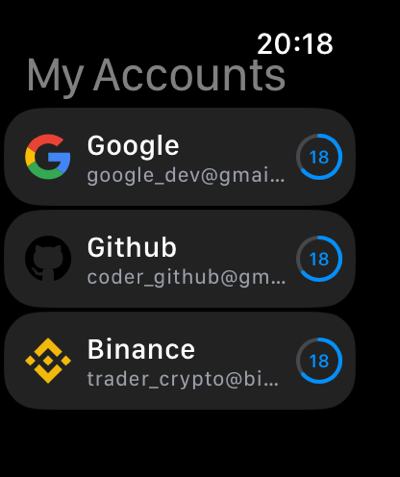
Fully independent watchOS companion. Compute and display 2FA codes directly on your wrist without your iPhone.

  • Glance at Wrist: Log into desktop websites without reaching for your phone
  • Watch Complications: Direct access to primary 2FA tokens from watch faces
  • Offline TOTP Engine: Accurate code computation even in Airplane mode
  • Haptic Feedback: Gentle tap when verification codes refresh
New Release ยท v1.4 โœจ Local Pairing ยท Instant Autofill

๐Ÿงฉ Chrome & Edge Desktop Extensions

Native-speed 2FA dynamic code and password autofill for Google Chrome, Microsoft Edge, and Chromium-based browsers. Pairs securely with your Mac over a local loopback bridge โ€” 100% private and offline.

๐Ÿงญ For Safari Users: Safari Native Extension is already built into the macOS 1.3+ app โ€” no extra download needed! Simply enable it in Safari Settings โž” Extensions. Learn how โ†’

Designed for Modern Apple Devices

Meticulously crafted with Apple HIG principles, featuring fluid Dark and Light mode adaptability.

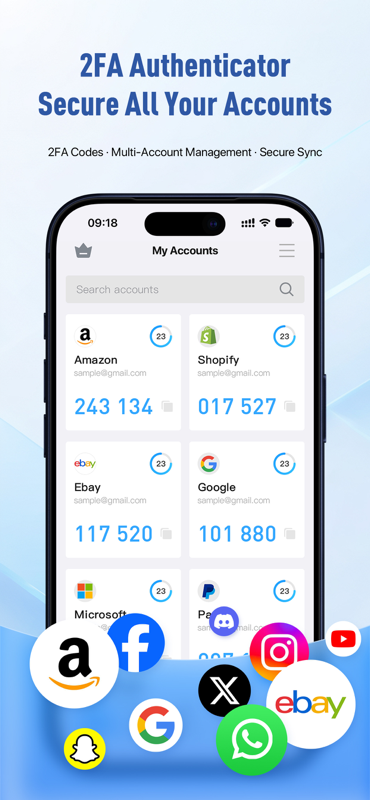
iPhone 2FA Dynamic Codes
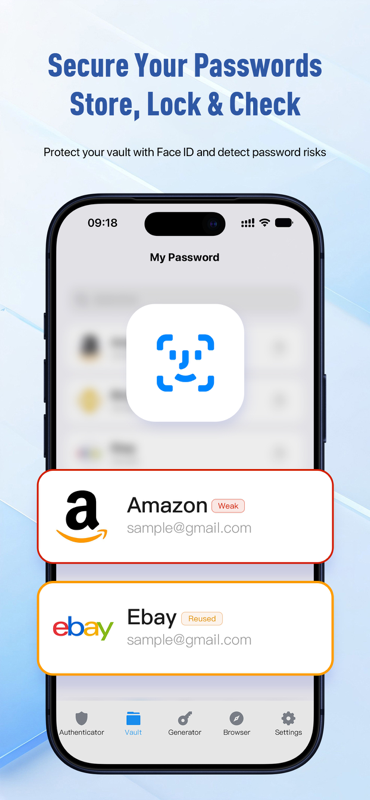
iPhone Password Vault
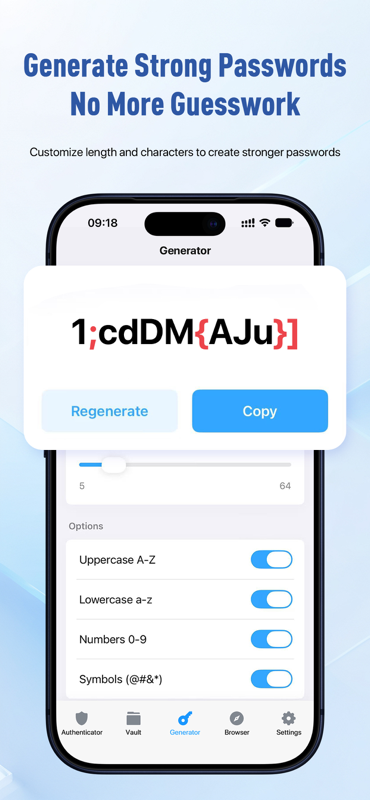
iPhone Password Generator
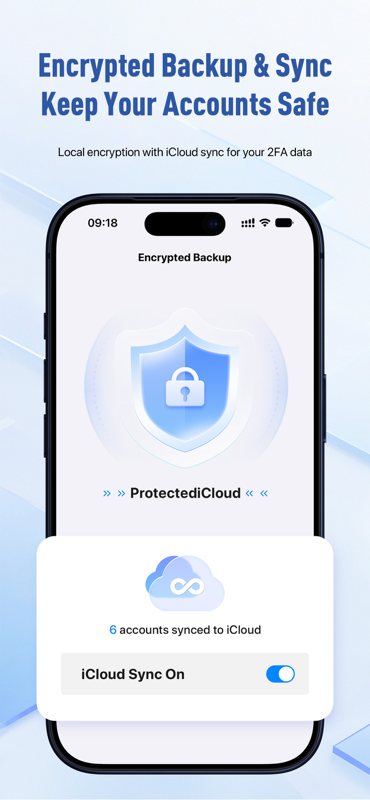
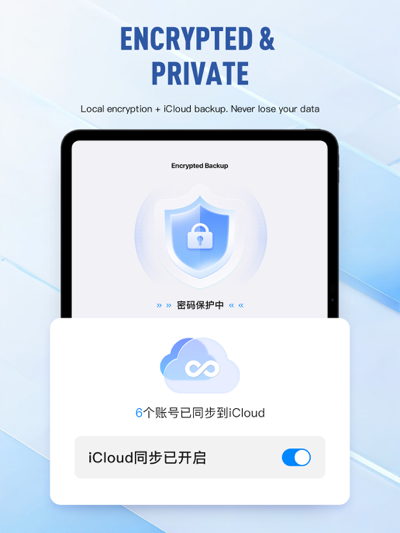
iCloud Cloud Sync
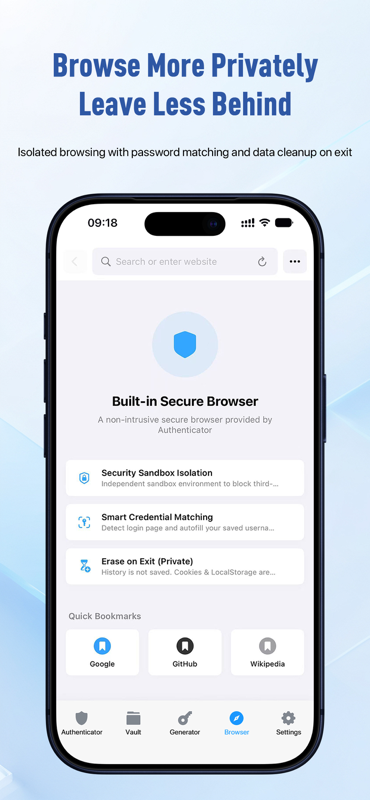
Private Incognito Browser
Apple Watch Companion
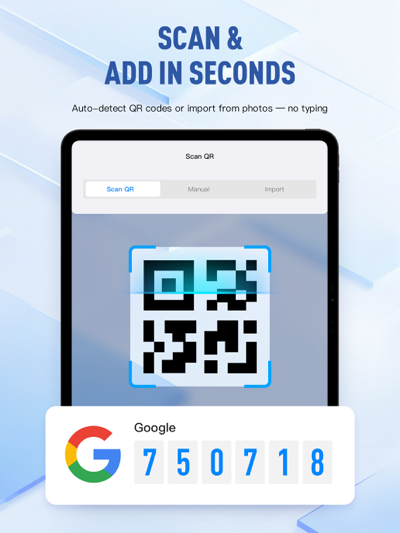
Instant QR Scanner
Multi-Layer Protection
iPad Large Screen 2FA
iPad Large Screen Vault
iPad Multi-Device Cloud Sync
iPad Custom Password Generator
iPad Multi-Tier Backup & Recovery
iPad Split View & Multitasking
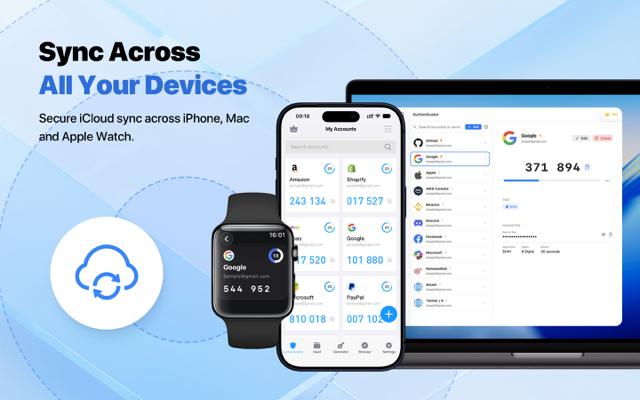
Sync Across All Your Devices on Mac
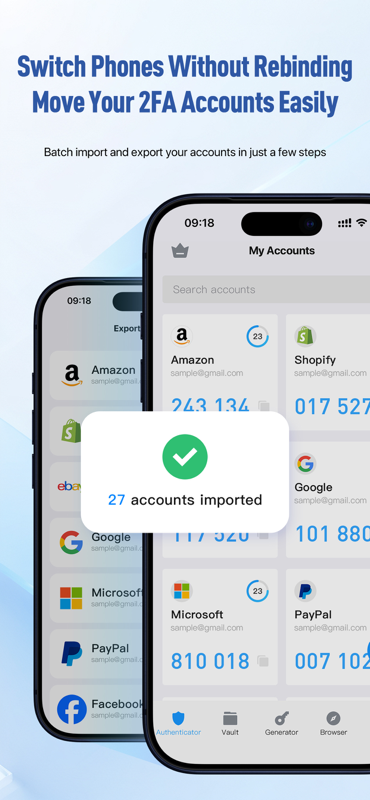
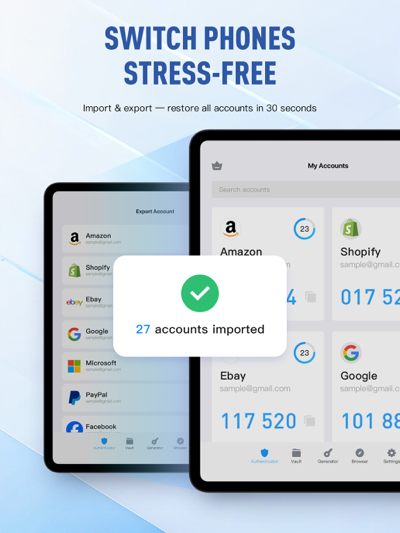
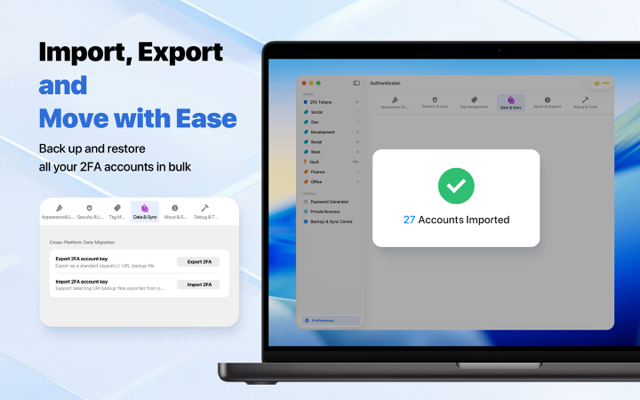
Import, Export and Move with Ease on Mac
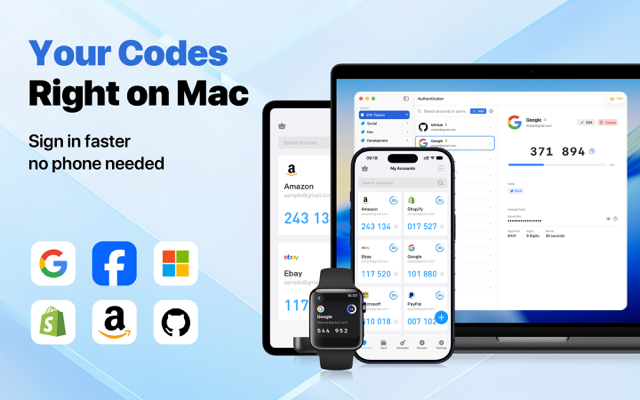
Your 2FA Codes Right on Mac
Add 2FA Accounts in Seconds on Mac
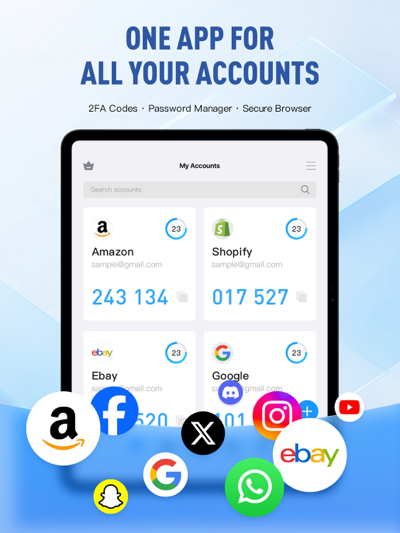
All Your 2FA Accounts in One View on Mac
Apple Watch Standalone TOTP Codes

Multi-Tier Backup & Disaster Recovery

Eliminate device loss anxiety and single points of failure with complete, sovereign backup solutions.

โ˜๏ธ iCloud End-to-End Encrypted Sync

Automatic zero-knowledge sync across all Apple devices. We cannot access your private keys in any form.

๐Ÿ–ง WebDAV Private Cloud Backup

Connect your self-hosted Synology NAS, Nextcloud, or Nutstore for true data sovereignty.

๐Ÿ”’ AES-Encrypted Offline Export

Export encrypted backup packages with custom master password protection, ready for instant offline restore.

๐Ÿ“ฒ Google Authenticator Batch Migration

Scan and parse Google Authenticator export QR codes to migrate dozens of 2FA accounts in one second.

๐Ÿ“Š Universal CSV Cross-Platform Freedom

Interoperable with 1Password, Bitwarden, KeePass, and standard CSV formats without vendor lock-in.

Head-to-Head: Why Switch to Authenticator Pro?

Objective comparison against legacy tools. Say goodbye to discontinued desktop apps and cloud vendor lock-in.

Capability & Architecture Authenticator Pro Google Authenticator Microsoft Authenticator Authy (Twilio)
macOS Native Desktop Experience
Menu bar instant lookup, global hotkeys, desktop password vault
โœ“ Native Menu Bar + Standalone App โœ• No Desktop App (Phone required) โœ• No Desktop App โš  Desktop App Discontinued
iOS System AutoFill & 45s Relay
1-tap password autofill + instant 45-sec 2FA code relay in-place
โœ“ Credential AutoFill + 45s 2FA Relay โœ• Standalone 2FA only, no autofill โš  Basic password only, no 2FA relay โœ• Standalone 2FA only, no autofill
Dynamic Island & Live Activities
30s circular countdown HUD on app switch, lock screen privacy shield
โœ“ Live Activity HUD + Privacy Shield โœ• Not Supported โœ• Not Supported โœ• Not Supported
Apple Watch Standalone Offline
Independent TOTP engine on wrist, PIN protection & watch complications
โœ“ Independent Wrist Engine โœ• No Apple Watch App โš  Tethered to iPhone Bluetooth โœ• Watch App Sunset
Cross-Platform Sync & Disaster Recovery
iPhone/Mac/Watch zero-knowledge sync, private WebDAV NAS & .authbackup
โœ“ iCloud + WebDAV + .authbackup โš  Mandatory Google Account โš  Microsoft Cloud Only โš  Forced Phone Number Binding
2FA & Password Vault Security Audit
Unified 2FA & password storage + proactive public breach monitoring
โœ“ Unified Vault + Breach Alerts โœ• 2FA only, no vault or audit โš  Basic passwords, no breach audit โœ• 2FA only, single purpose

All-in-One Digital Security Toolkit

More than just 2FA โ€” a complete personal credentials vault and privacy fortress.

๐Ÿ”‘ Standard 2FA & TOTP

RFC 6238 / RFC 4226 compliant OTP generation with millisecond offline computing, defending against credential stuffing.

๐Ÿท๏ธ 2,590+ Brand Logos Auto-Match

Built-in vector icon database covering top global services and dev tools. Enter service name for automatic logo matching.

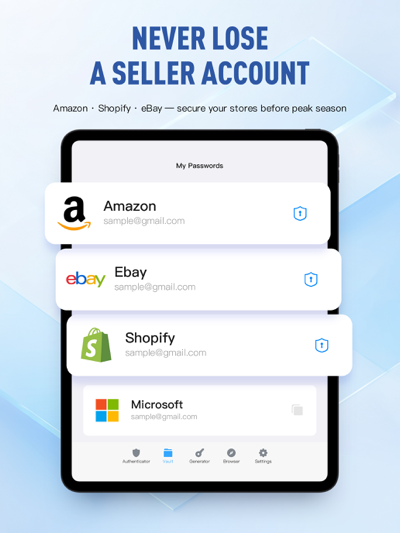
๐Ÿ›ก๏ธ Encrypted Password Vault

Secure vault for usernames, passwords, and custom notes with system-level autofill integration.

๐ŸŽฒ Strong Password Generator

Configurable password generator supporting uppercase, digits, symbols, and length for maximum entropy.

๐ŸŒ Private Incognito Browser

Integrated zero-trace browser leaving no cookies or history, perfect for isolated sensitive QR logins.

โšก Offline-First Architecture

All cryptographic operations occur inside the hardware Secure Enclave, functioning 100% without internet.

Frequently Asked Questions (FAQ)

Key answers on seamless migration, multi-device backup, and extension security.

How do I migrate all accounts from Google Authenticator to Authenticator Pro?

In Google Authenticator, tap Transfer accounts โž” Export accounts to generate a batch QR code. In Authenticator Pro, tap '+' โž” Scan QR Code. All your 2FA accounts will be imported in milliseconds without re-enabling them one by one.

What happens if I lose my phone? How do I recover my 2FA codes?

Authenticator Pro automatically syncs with Apple's native iCloud encrypted container using zero-knowledge encryption, and supports WebDAV backup. Signing into your Apple ID on any new Apple device instantly restores your entire vault.

How do the Chrome and Edge extensions securely communicate with the Mac app?

The extensions communicate strictly via a local loopback bridge (127.0.0.1:52820). No credentials or OTP secrets ever leave your machine or touch external servers, ensuring 100% offline security.

Have more questions? Visit our Support Center for comprehensive guides โ†’